CS2 Skin Rental: How Renting a Case Works
Updated · MyCS2Guru crew
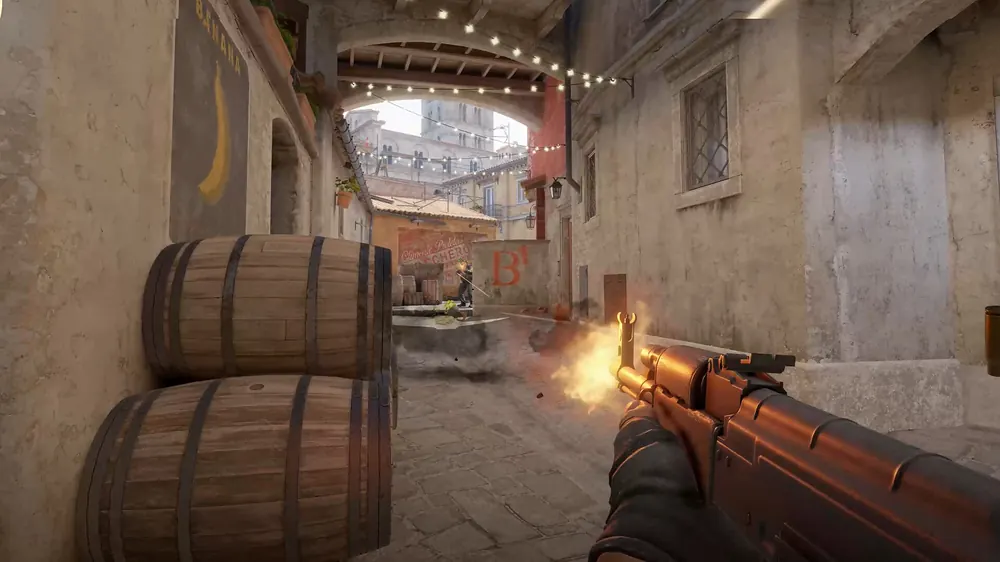
Want to use every skin in a case for a week without gambling on a knife, bro? That's CS2 skin rental. Here's how Valve's official rental feature works, what you get and whether it's worth it.
What is skin rental?
Valve added an official rental option for cases. Instead of opening a case for one random item, you can choose "Open to Rent" and get temporary access to every weapon skin in that case for 7 days. Valve first offered it on certain cases and later expanded it to all cases.
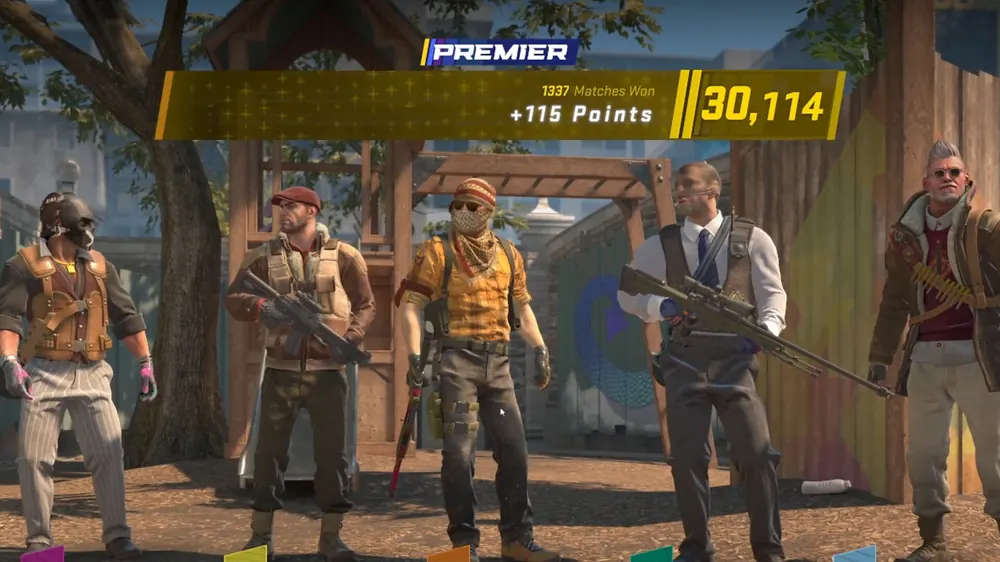
How to rent
- Get the case and a matching key.
- In your inventory, select the case and choose Unlock Container.
- Pick Open to Rent instead of opening normally.
- Equip any of the case's weapon skins for 7 days.
Renting consumes the case and the key, the same as opening.
What's included and excluded
| Included | Excluded |
|---|---|
| All weapon skins in the case | Knives and gloves (rare special items) |
| Use in matches for 7 days | Trading, selling, stickers, name tags |
Rented items disappear from your inventory when the week ends.
Limits
- One rental at a time.
- No customisation: you can't apply stickers or name tags to rented items.
- No resale value: you keep nothing afterwards.
Cost vs opening
Both cost a case plus a key (CS2 key price). Opening gives you one item you keep, usually worth less than the cost. Renting gives you every weapon skin for a week, but nothing permanent. If you just want the look of a collection (especially high-tier rifles you'd never afford), renting is a fun way to try them. If you want a chance at value, opening is the gamble; see CS2 case odds.
Who should rent
- Players who want to try a collection before buying a specific skin.
- Streamers or content creators wanting variety for a week.
- Anyone curious how Coverts look in-game.
Who shouldn't
- Players hoping to make money.
- Anyone wanting knives or gloves.
- Budget-conscious players: buying one skin you love may be better value than renting many for a week.
Third-party "rental" services
Some third-party platforms advertise skin rental. Be cautious: lending items to others or using unofficial rental schemes can expose you to scams and trade-reversal issues. Valve's built-in rental is the safe way to try skins temporarily. See CS2 trading scams.
Alternatives
- Inspect skins in-game or via the Market before buying.
- Free case opening simulator: CS2 case opening simulator.
- Free cases with FREECASES4U on Clash.gg and CSGOEmpire (CSGOEmpire excludes the US, UK, Australia and some other countries; 18+).
| Site | Bonus with FREECASES4U | Games | Payments | |
|---|---|---|---|---|
| Clash.gg (Top pick) | 3 Free Cases + 5% deposit bonus | Case battles, cases, upgrader, crash, roulette, plinko, mines, keno, esports | CS2 skins, crypto | Claim |
| CSGOEmpire | Free case up to $1.4k | Roulette, case battles, cases, coinflip, esports | CS2 skins, crypto | Claim |
Bottom line
CS2 skin rental lets you use every weapon skin in a case for 7 days for the price of a case and key. No knives, no gloves, no keeping. Great for trying a collection; useless for profit.
Rental FAQ (extra)
Can I rent a case I bought on the market? Yes. Any case plus its matching key works.
Do rented skins show to other players? Yes. Teammates and opponents see them in matches like normal skins.
Can I end a rental early? Rentals run for the set period; check in-game options for current behaviour.
Does renting affect case prices? Renting consumes cases just like opening, so it adds to demand for cases.
Tips to get the most from a rental
- Pick a case with skins you'd never buy, like expensive Coverts.
- Play lots that week: you only have 7 days.
- Use it to decide on a purchase: if you love a skin after a week, buy it; if not, you've saved money.